Teach
Clear explanations of what the technology does, who it can help, how it is configured, and the concepts users need before they begin.
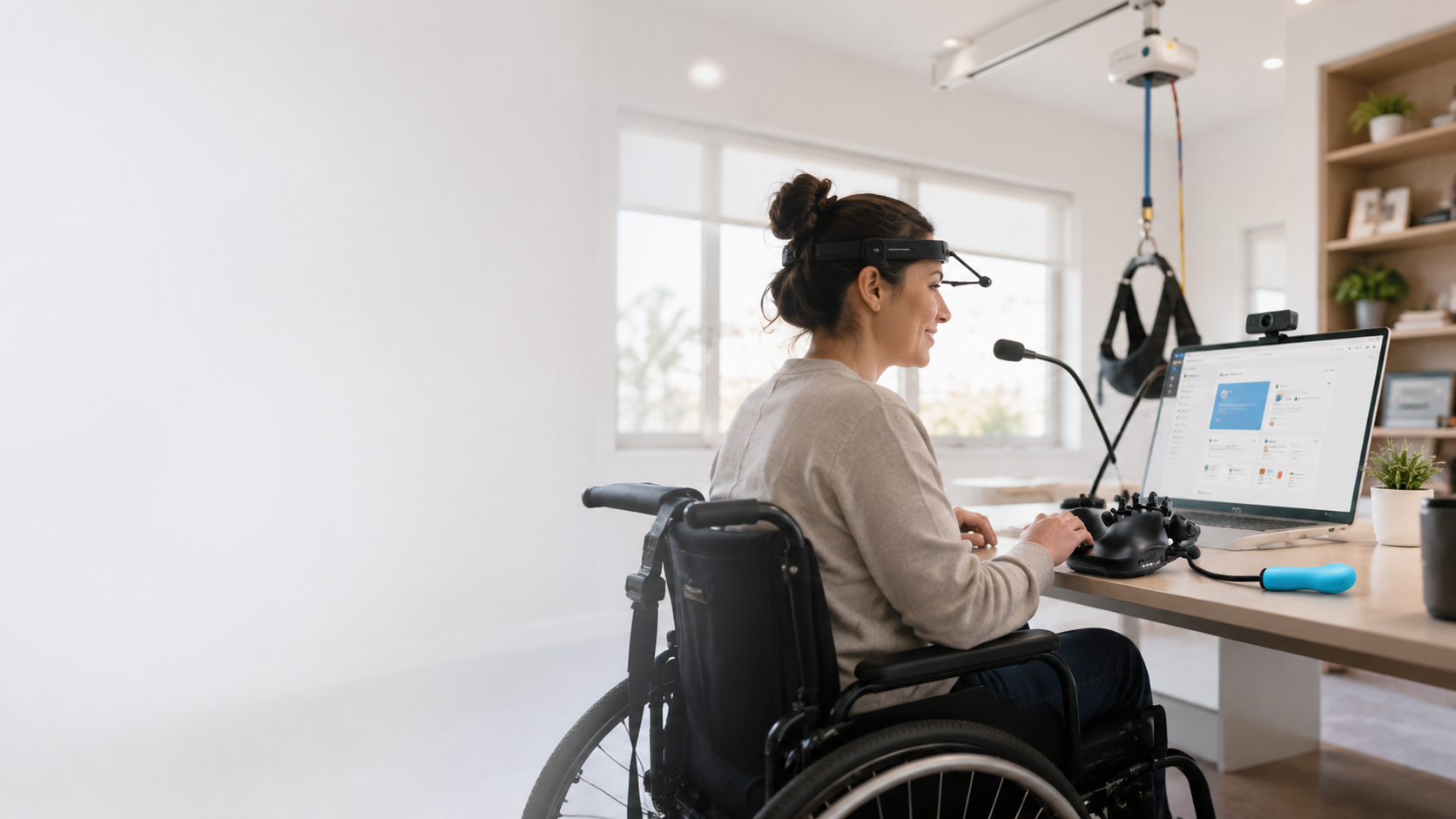
TeachTrainTest is being built as a practical, accessible training hub for assistive technology, adaptive equipment and the real-world skills that turn devices into independence.
The platform is designed around a simple progression: understand the technology, practice it in meaningful situations, then verify the knowledge and skills needed to use it successfully.
Clear explanations of what the technology does, who it can help, how it is configured, and the concepts users need before they begin.
Step-by-step lessons, demonstrations, guided practice, troubleshooting, setup workflows and real-world scenarios that turn information into usable skill.
Knowledge checks, practical competency testing and eventually documented completion pathways that help confirm a learner can apply what was taught.
TeachTrainTest will organize training around the technologies and real-world skills people actually use — with clear pathways for learning, practice and competency.
TeachTrainTest will grow into a broad training library covering software, access methods, adaptive hardware, mobility, environmental control and the equipment people rely on every day.
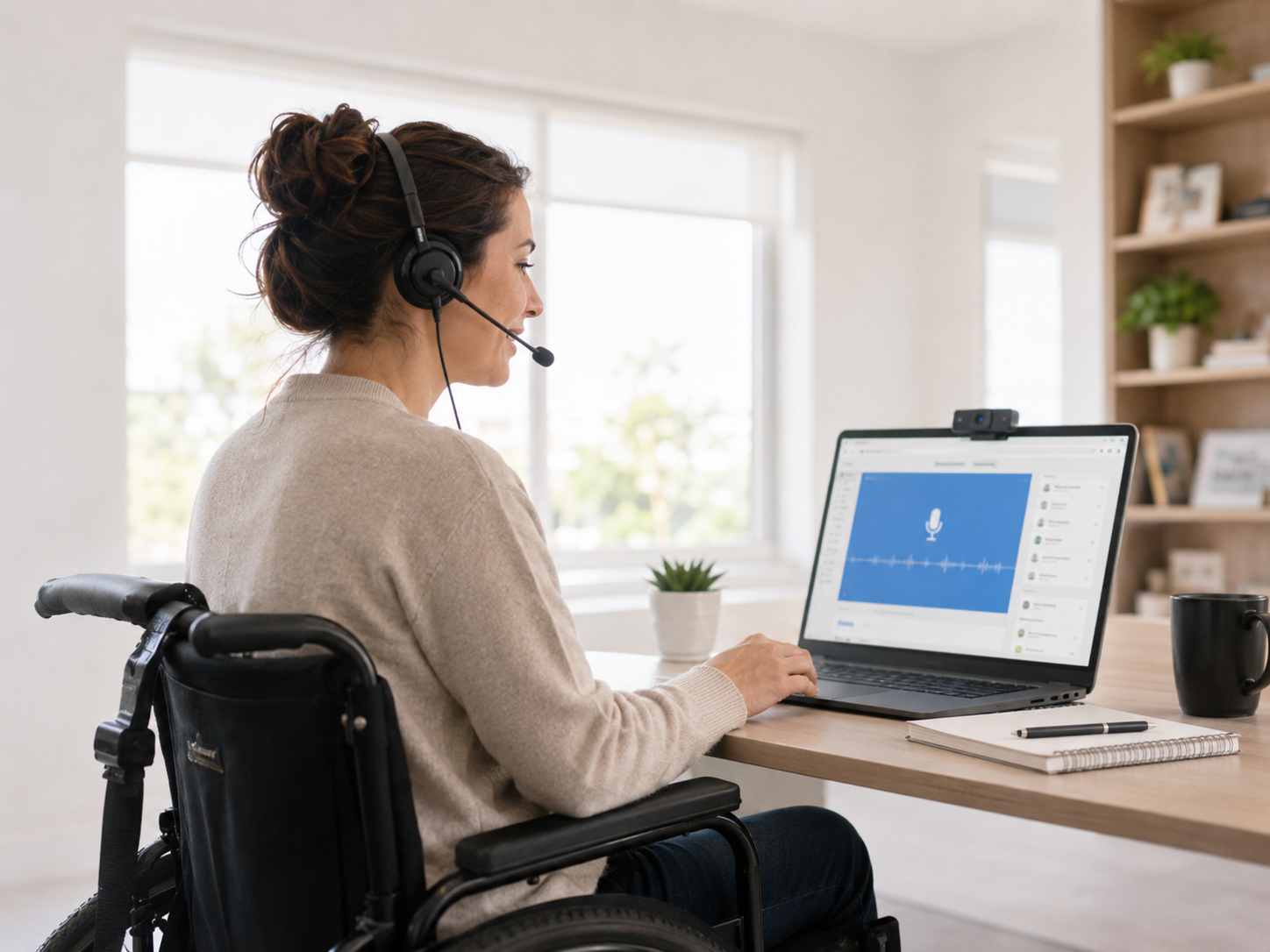
From everyday speech recognition to advanced hands-free computer workflows.
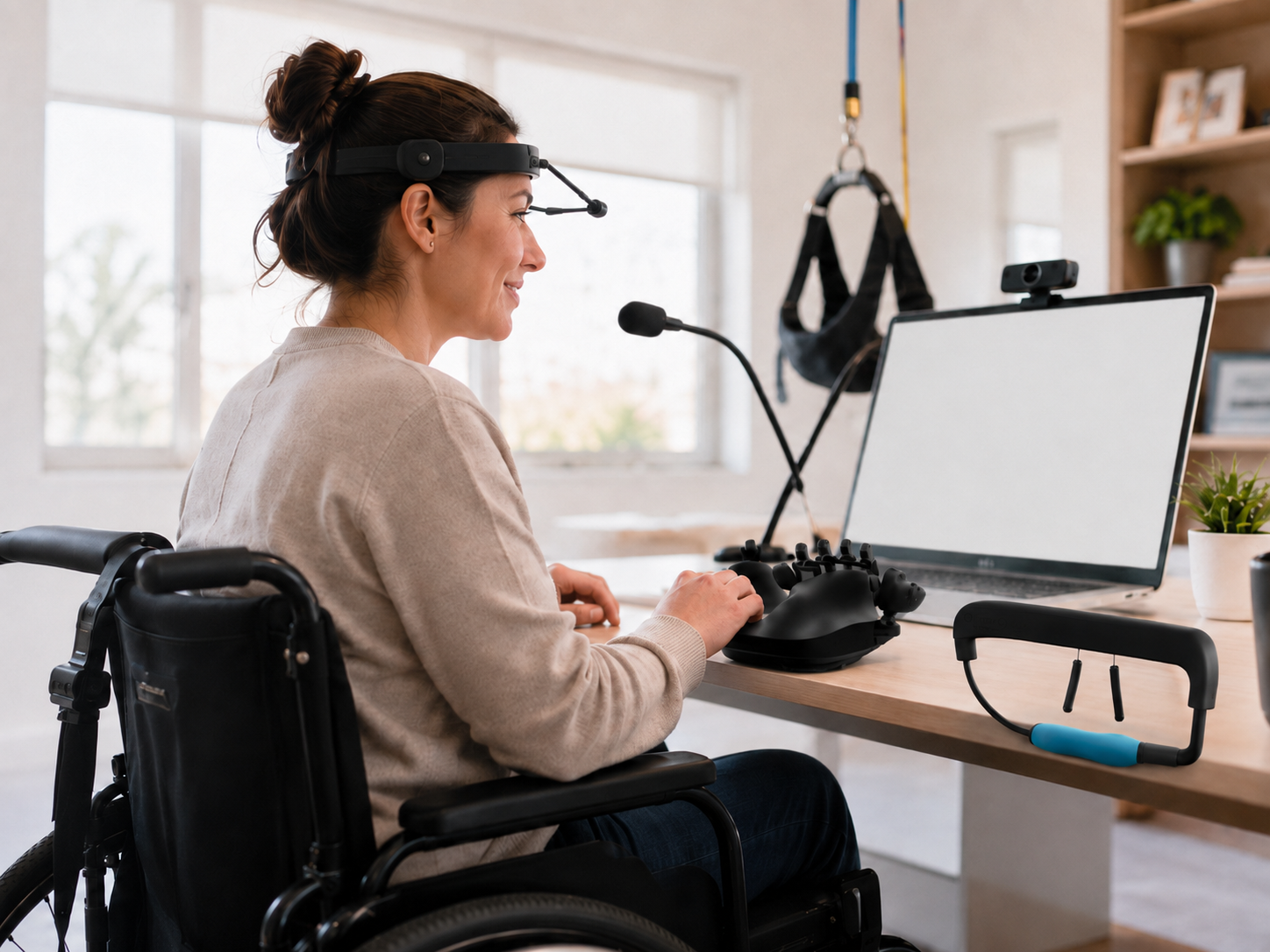
Training for people who use nontraditional ways to control computers and digital devices.
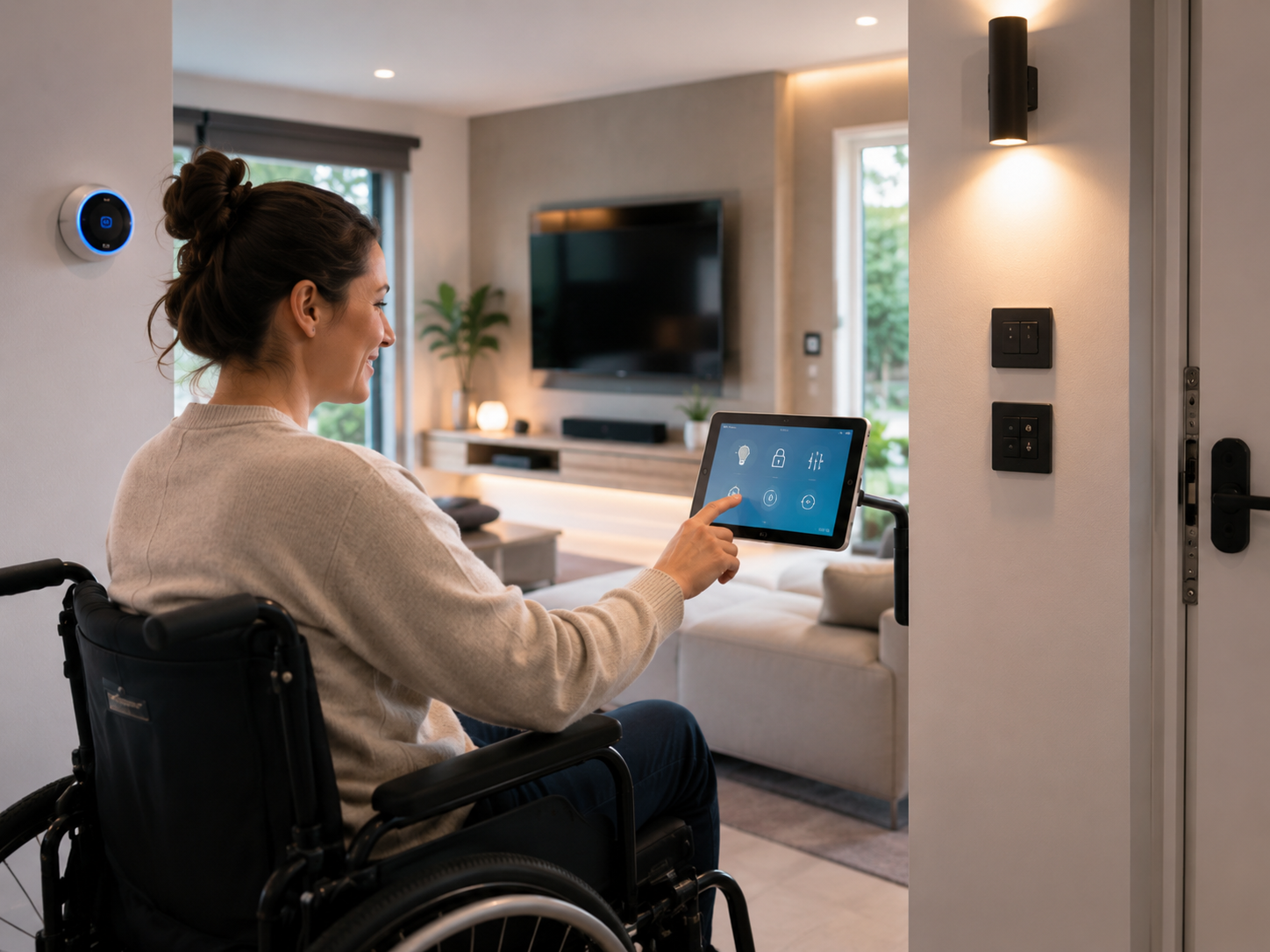
Practical training for controlling the home, room and connected environment with greater independence.
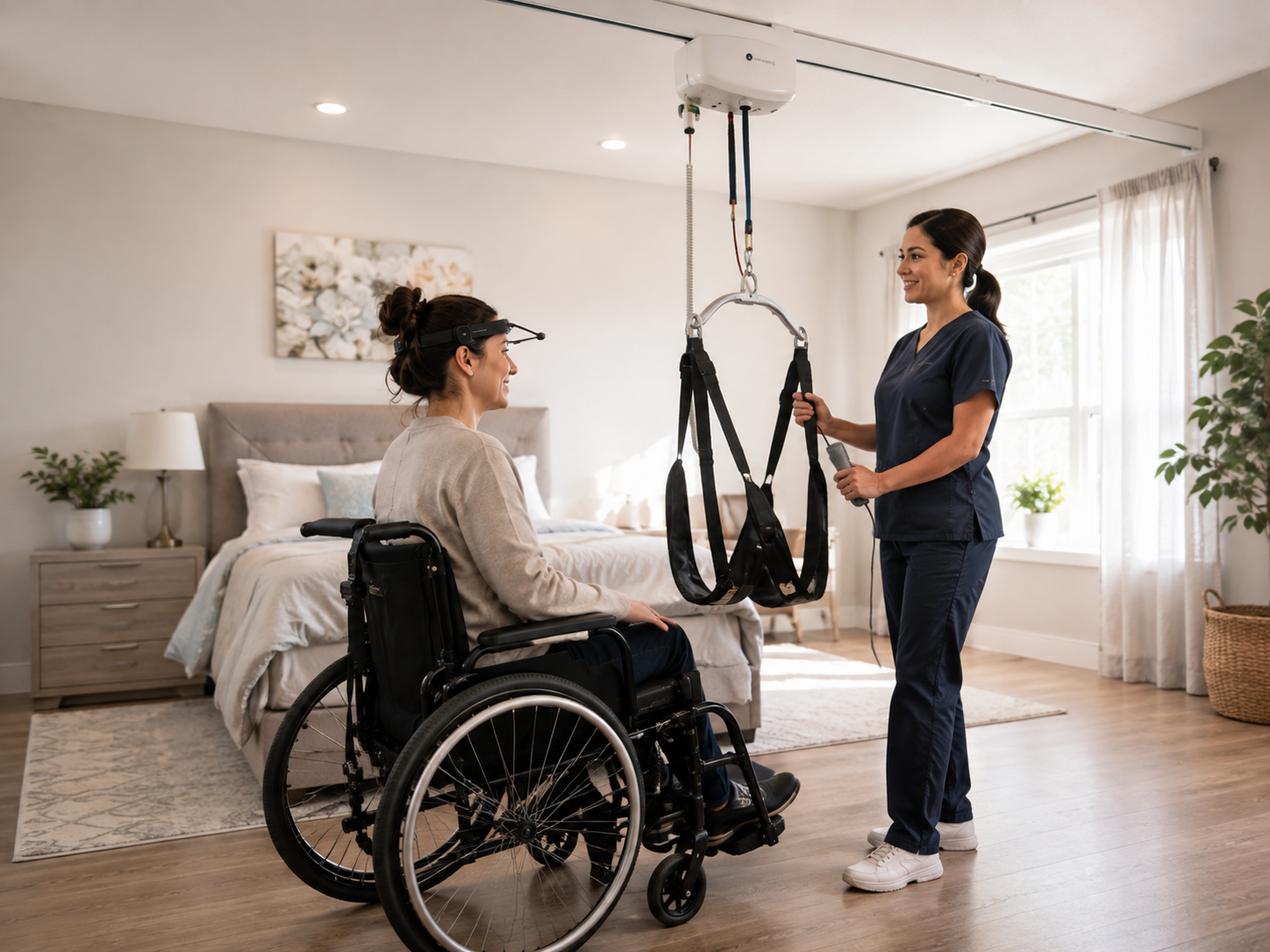
Training that moves beyond electronics into the equipment that supports safe mobility, positioning and daily life.
TeachTrainTest is being designed so the same platform can support end users, caregivers, clinicians, educators, employers and the professionals responsible for selecting and supporting technology.
Practical instruction focused on independence, confidence and everyday use.
Setup, support, troubleshooting and safe equipment-use training.
Product workflows, clinical implementation and repeatable training resources.
Onboarding, competency, standardized training and future vendor-specific learning tracks.
The long-term goal is a full assistive technology learning portal where users can find training by technology, device, skill, environment or role — and pick up exactly where they left off.
We’re building the framework to support a large library over time without turning the site into a maze.
TeachTrainTest is being built around one goal: help people understand assistive technology, learn it, practice it and prove they can use it where it matters.